
 Meetvo
 by GoProIT · Free video meetings
Free Video Meetings That Run in Your Browser
Meetvo gives you HD video calls, screen sharing, chat, recording and a waiting room. There is nothing to install and no time limit. Guests join from a link with just their name.
Prefer an app? Download Meetvo for Windows
- Free for everyone
- No time limit
- Nothing to download
- Works on phones
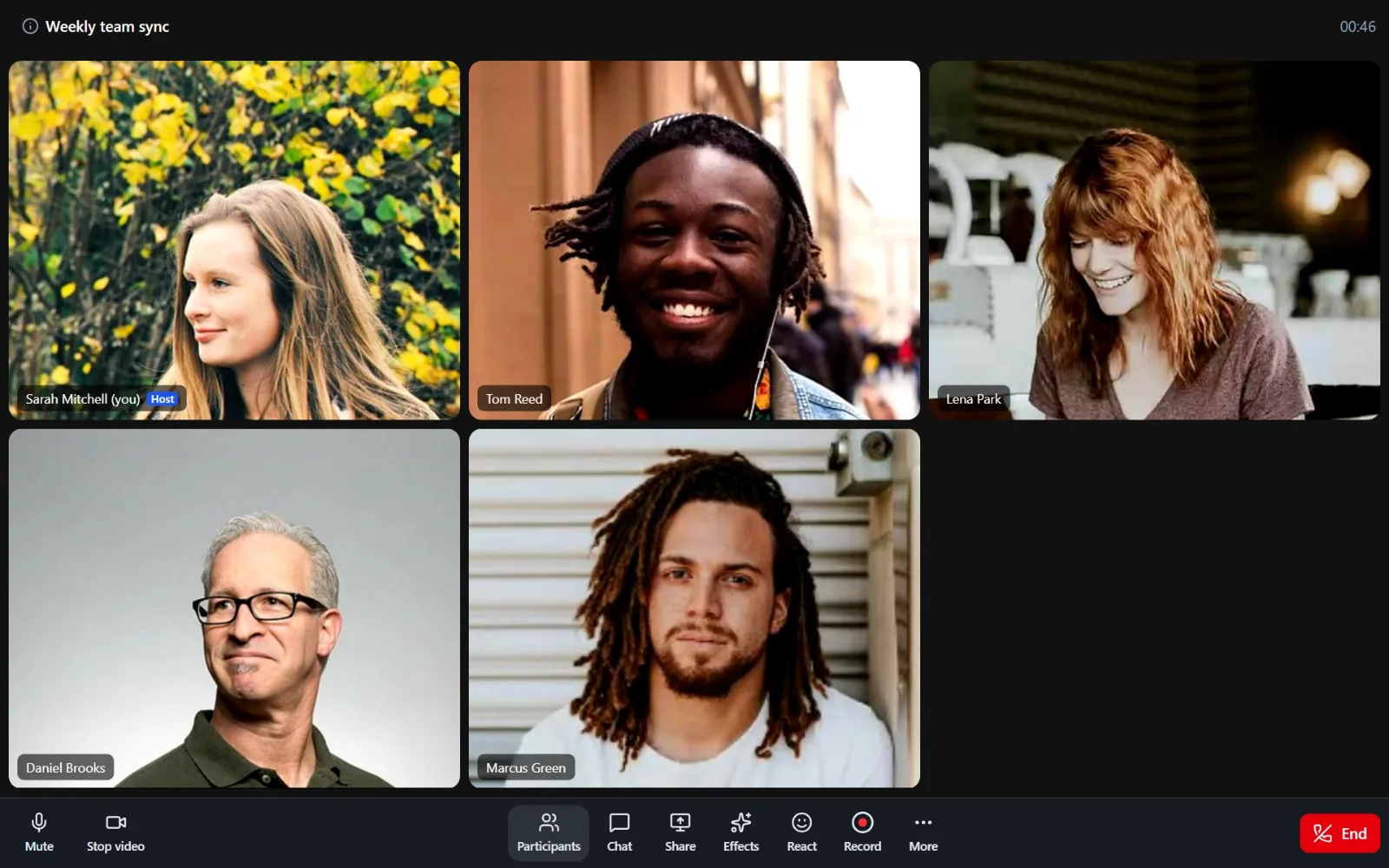

Meetvo is a video meeting app we built and host on our own servers. Open it in Chrome, Edge, Firefox or Safari on a computer or phone. Start a meeting straight away, or schedule one and send the link. The people you invite don’t need an account. They type their name and join.
You get the features of the paid meeting tools: a waiting room, passcodes, host controls, screen sharing, chat with file sharing and server-side recording. Calls have no 40-minute cut-off and no per-user fee.
Everything you need for a meeting
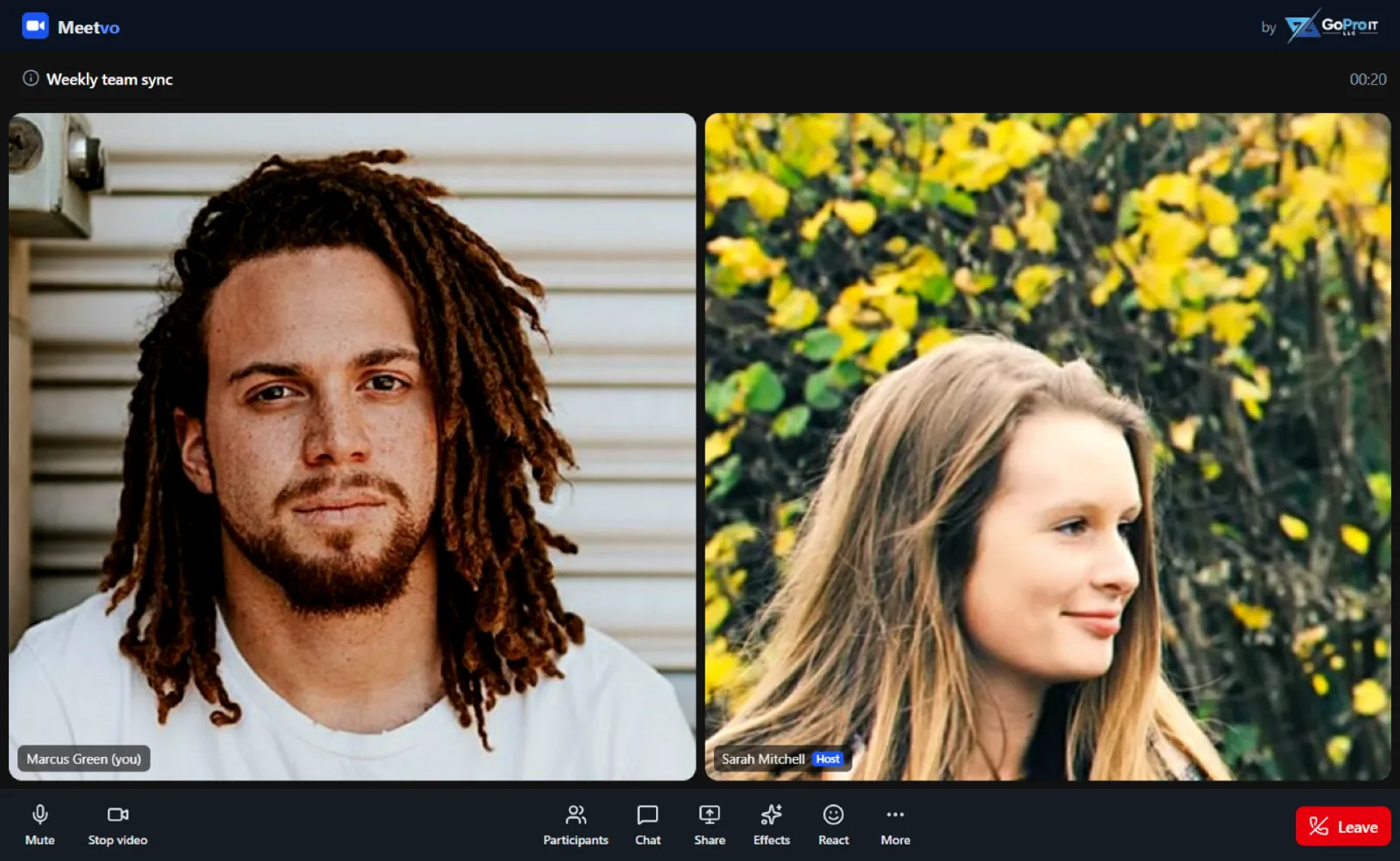
These are screenshots of real Meetvo meetings. Click a picture to see it full size.
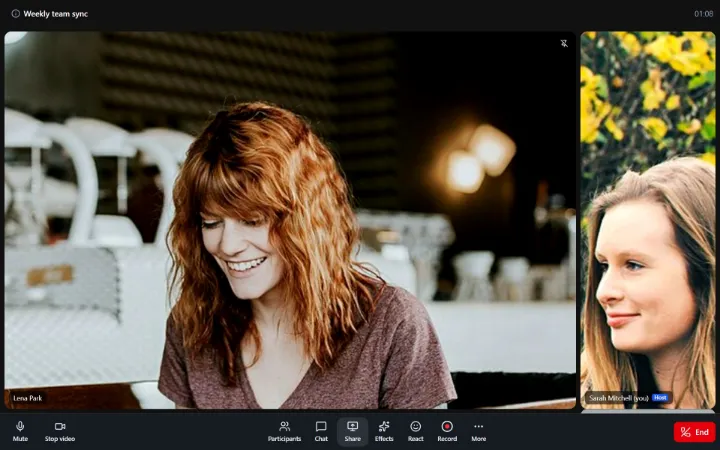
HD video and clear audio
Gallery or speaker view, browser noise suppression, and a camera and mic check before you join. Join muted or with your camera off if you like.
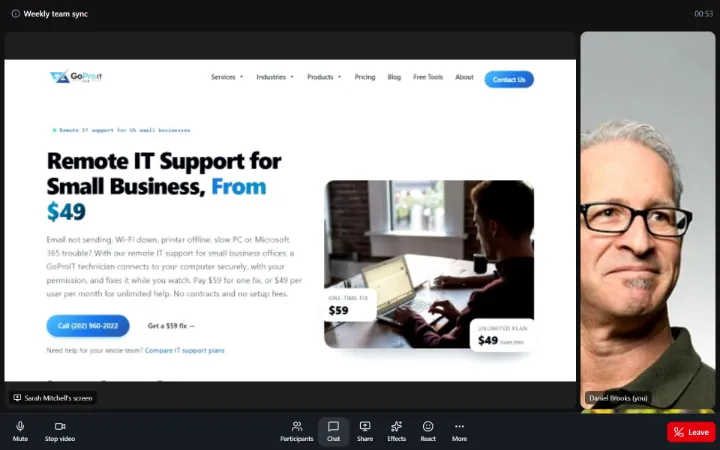
Screen sharing
Share your whole screen, one window or a browser tab. Hosts can pin a speaker or spotlight one person for everyone.
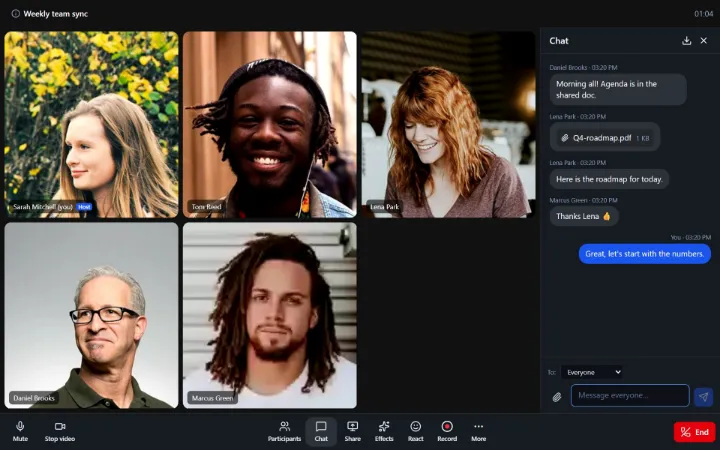
Chat and file sharing
Message everyone or one person privately. You can also share files and images up to 25 MB, then download the chat after the meeting.
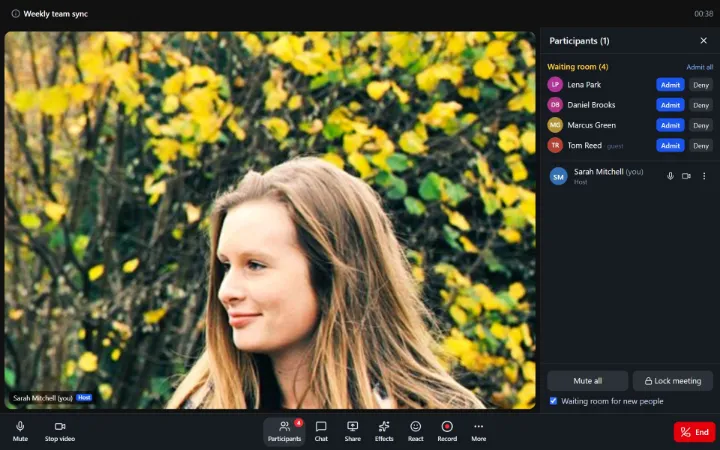
Waiting room and passcodes
Let people in one at a time, admit everyone at once, or lock the meeting. Every scheduled meeting has an 11-digit ID and an optional passcode.
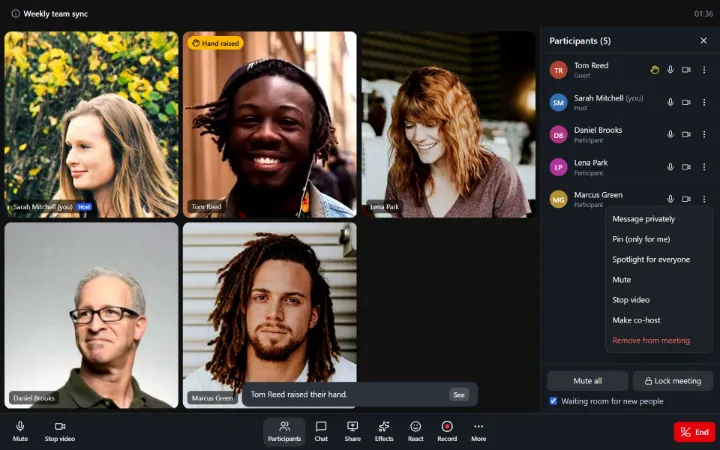
Host controls
Mute one person or everyone, ask someone to unmute, stop a camera, remove someone, make a co-host or end the meeting for all.
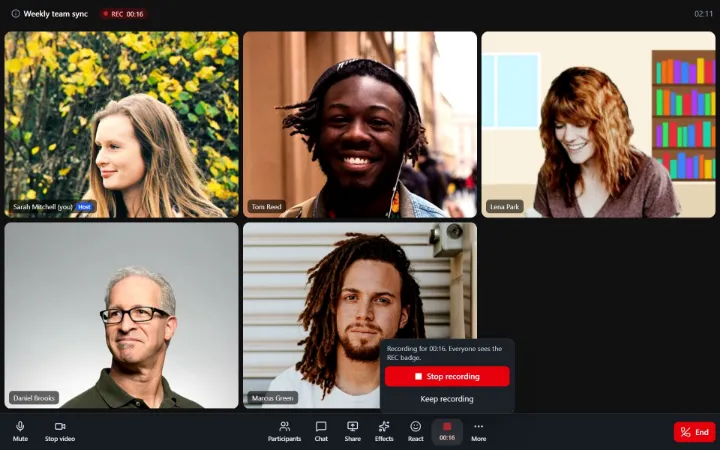
Recording
Hosts record the meeting on our server and can play, download (MP4) or delete it afterwards. Everyone in the call sees a REC badge and the host sees the running time.

Scheduling and repeats
Pick a date, time and time zone. Repeat daily, weekly or monthly with the same link for the whole series. Add it to your calendar with one click.
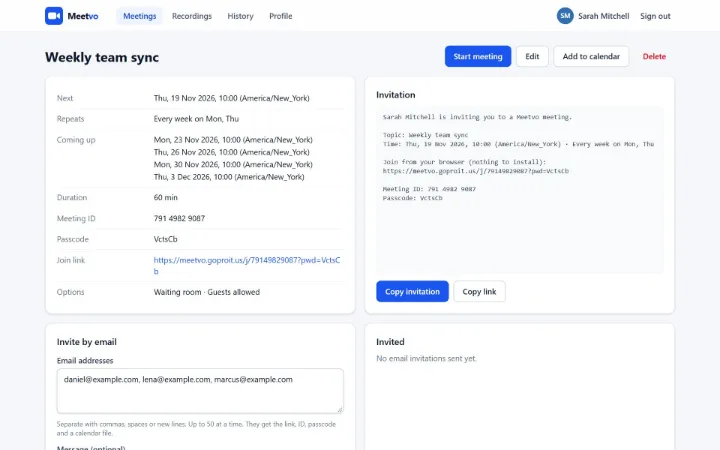
Email invitations
Invite up to 50 people at a time. Each person gets a Join button, the meeting ID, the passcode and a calendar file.

Guests join by link
No sign-up for the people you invite. They open the link, type a name and they’re in, or waiting for you in the waiting room.
Backgrounds, filters and voice effects
Effects run in your browser, so everyone in the call sees them and recordings keep them.

Start a meeting in three steps
Create an account, start a meeting and send the link.
Create a free account
Enter your name, email and a password, then type the 6-digit code we email you.
Start or schedule
Click New meeting to start now, or Schedule to choose a time, a passcode and a waiting room.
Share the link
Copy the invitation or email it from Meetvo. People join from any browser with just their name.
Meetvo for Windows
Get the Windows app
The same Meetvo in its own window, with a desktop shortcut. You stay signed in, and screen sharing lets you pick a screen or a single window.
- Windows 10 and 11 (64-bit)
- Free, like the browser version
- Updates itself when a new version is out
On a Mac, phone or Chromebook, use Meetvo in your browser. Nothing to install.
Pricing
Meetvo is currently free for everyone. No card needed.
Free plan
$0 / free for everyone
- Unlimited meetings, no time limit
- Guests join by link, no account needed
- Screen sharing, chat and file sharing
- Waiting room, passcodes and host controls
- Server-side recording (MP4)
- Scheduling, repeats and email invites
- Backgrounds, filters and voice effects
- Browser and Windows app
Questions
Is Meetvo really free?
Yes. Meetvo is currently free for everyone, with every feature included and no card needed to sign up.
Is there a time limit on meetings?
No. Meetings run until the host ends them or everyone leaves. There’s no 40-minute cut-off.
Do the people I invite need an account?
No. If you allow guests, anyone with the link can join by typing their name. Only the person hosting the meeting needs an account.
Do I need to install anything?
No. Meetvo runs in Chrome, Edge, Firefox and Safari on Windows, Mac, Android and iPhone. Allow your camera and microphone when the browser asks. If you’d rather have an app on Windows, download Meetvo for Windows.
Is there a desktop app?
Yes, for Windows 10 and 11. It opens Meetvo in its own window, keeps you signed in and updates itself. Download it here. On other devices, use Meetvo in the browser.
Can I record meetings?
Yes. The host or a co-host clicks Record. The recording is saved on our server and appears in your Recordings page as an MP4 you can play, download or delete. One recording can run for up to 2 hours, and each account can store up to 2 GB.
How long are recordings kept?
For 30 days, unless you pick another time in your profile (7 to 90 days). After that they are deleted automatically, so download the ones you want to keep. Each recording shows the date it will be deleted.
Where is my data kept?
Meetvo runs on GoProIT’s own servers, not on a third-party meeting service. Chat files are shared through links that expire after 6 hours. You can delete your account and everything you host at any time from your profile.
Can my company get Meetvo on its own server?
Yes. Meetvo can run on a dedicated server for larger teams. Contact us to talk about it.
Start your first meeting free
No download, no card and no time limit.


